.png)
HOW TO USE ONE INBOX FOR MAIL
Once your domain is verified and email is flowing in, One Inbox handles email conversations the same way it handles WhatsApp, one shared, searchable thread per customer.
Handling incoming messages
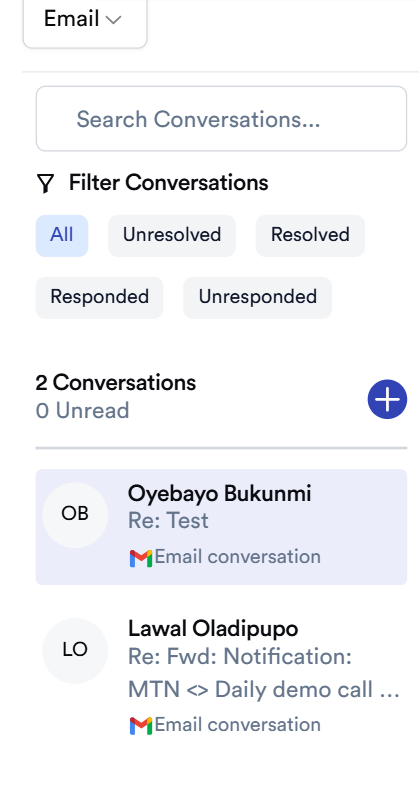
- New emails land automatically in the conversation list on the left.
- Use the filter bar to sort conversations by status: All, Unresolved, Resolved, Responded, Unresponded.
- Use Search Conversations to quickly find a specific thread by sender or keyword.
-
The conversation counter (e.g. "0 Conversations / 0 Unread") at the top of the list keeps track of what still needs attention.
Replying to an email
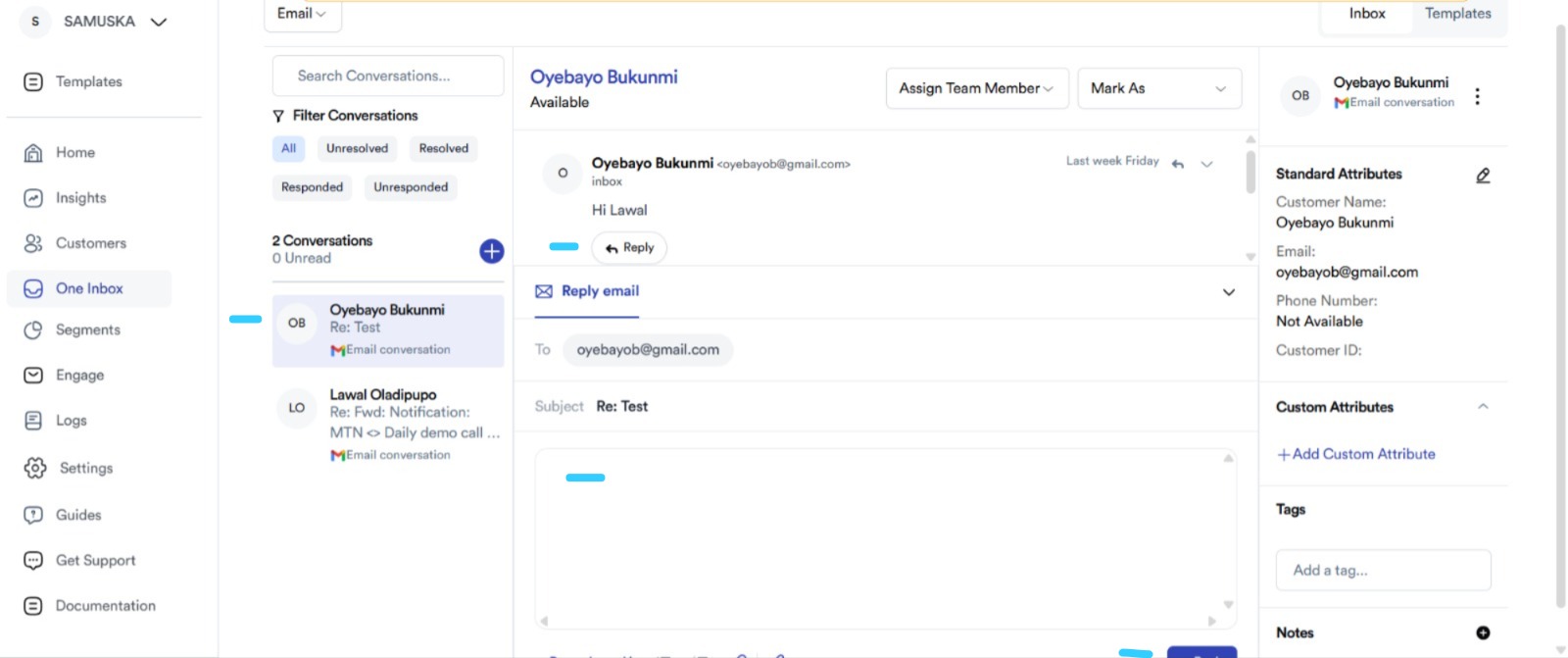
- Select a conversation from the list.
- Use Reply to respond to just the sender or Reply All to include everyone on the original thread.
-
Type your response and send, it goes out from the One Inbox-connected address, and the full exchange stays logged in the same thread.
Forwarding an email
- From within a conversation, use Forward to send the email (and its thread context) to another recipient, internal or external, without leaving One Inbox.
Attachments
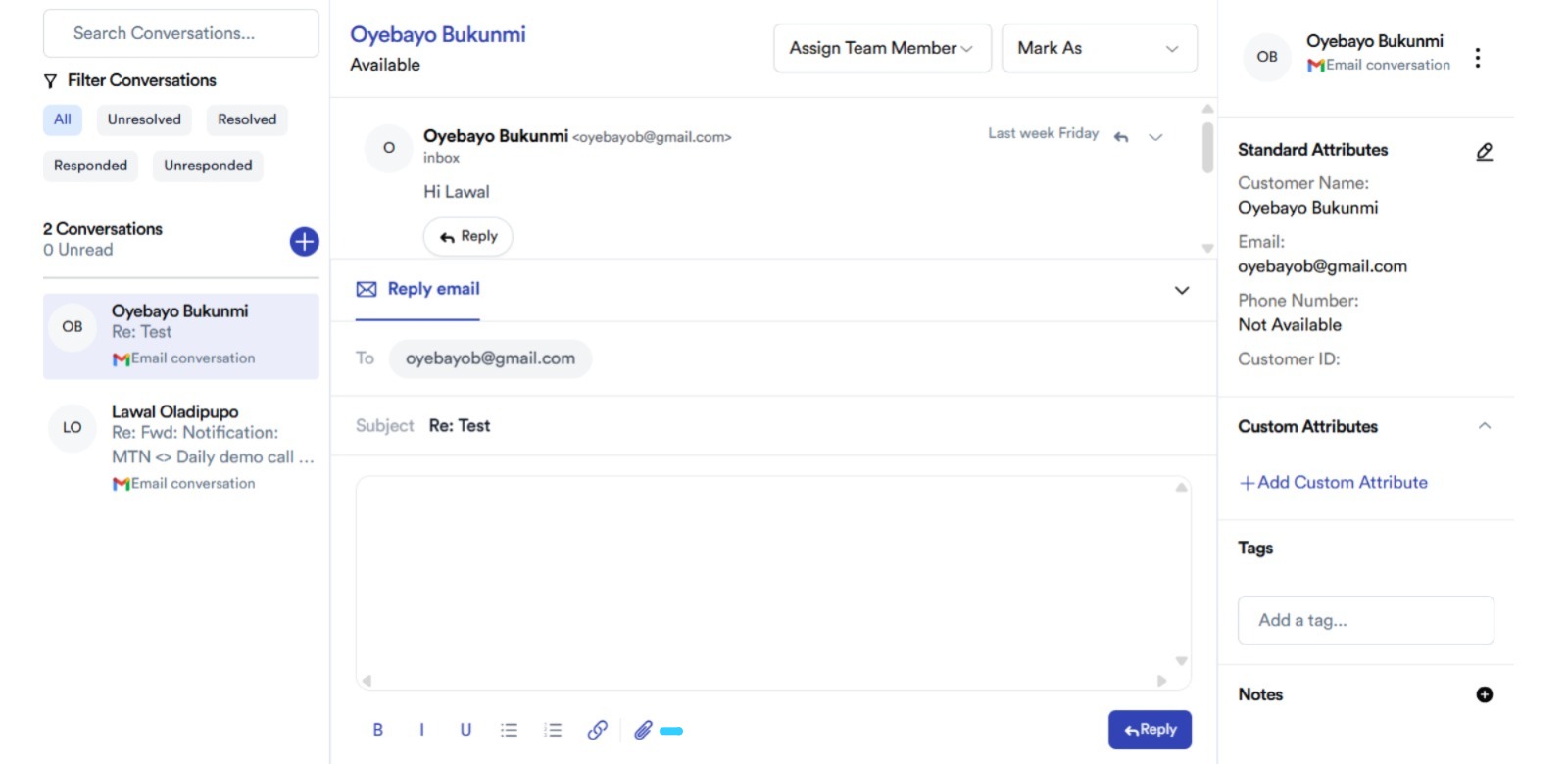
- Add files directly to a reply or forwarded message using the attachment option in the compose box.
-
Attachments sent and received are kept as part of the conversation history, so you can always find them later in the same thread.
Drafts
- If you start a reply and don't send it right away, One Inbox keeps it as a draft on that conversation so you can pick up where you left off.
Sending a new email from One Inbox
- Click the + icon in the conversation list to start a new email conversation (rather than replying to an inbound one), useful for proactive outreach from your connected address.
Quick troubleshooting
| Issue | Likely cause |
|---|---|
| Domain stuck on "unverified" | DNS records not yet propagated; wait, or double-check records were entered exactly as shown |
| Can't send email | Domain verification isn't complete yet |
| Some emails not showing in OneInbox | Check whether the recipient address is on the allowlist, anything not listed goes to your fallback forwarding address instead |
| Inbound mail not arriving at all | Old MX record wasn't removed/replaced; check the Action column for any record marked "delete" |